The 7-to-50 Rule Is Not a Goal by Itself
Shutterstock allows 7-50 keywords, but that range is not an invitation to fill every slot with loose synonyms. A compact list of genuinely relevant terms usually performs better than a stretched list padded with weak variations. The first review question is simple: if a buyer searched this term and found your file, would the image still feel like an exact match?
What Shutterstock Keyword Spam Usually Looks Like
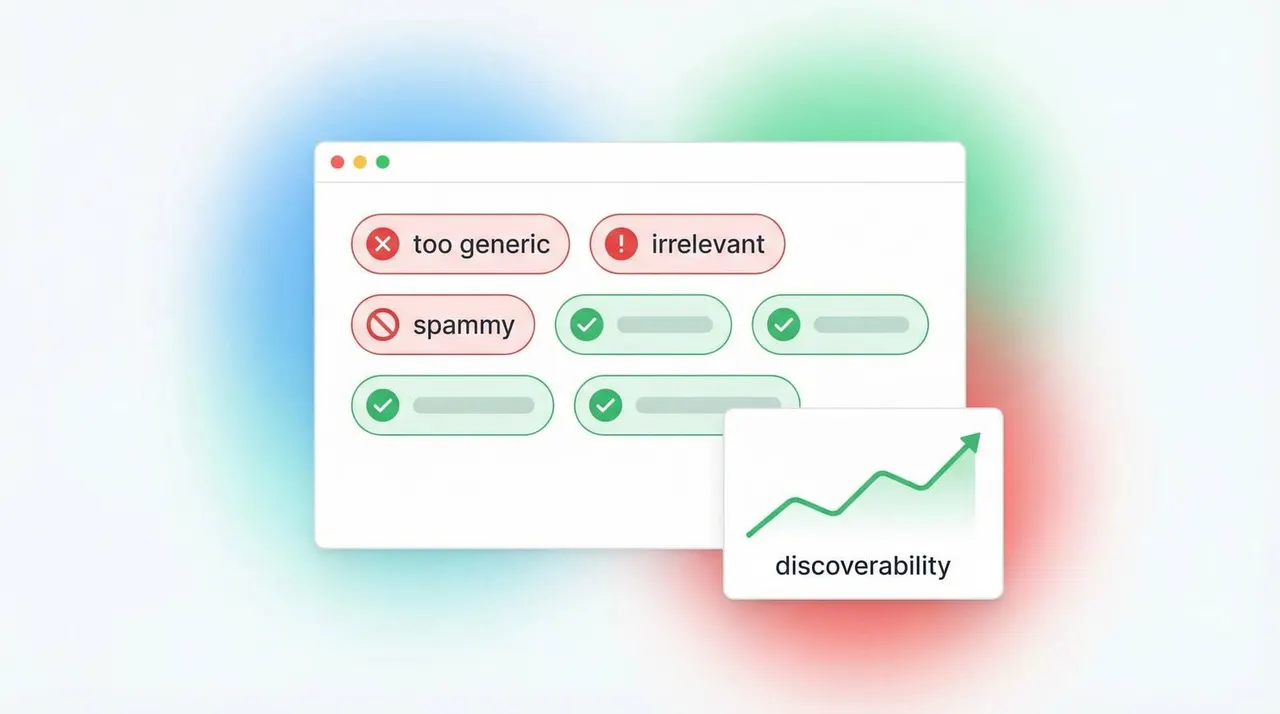
Keyword spam is rarely one dramatic mistake. It is usually a pattern: repeated stems, filler concepts, unsupported trends, or tags borrowed from another image. Lists become unsafe when they stop describing the visible subject and start chasing coverage for its own sake. If the image shows a woman packing a shipping box, adding unrelated seasonal or lifestyle terms because they are popular does not make the file more searchable. It makes the list less trustworthy.
How to Review the List Before Export
A clean Shutterstock review pass works in three layers. First, keep the strongest literal subject and action terms near the front. Second, check whether each conceptual term still fits the image and the likely buyer use case. Third, cut duplicates and low-value variants until the list feels defensible. This is where tools help: not by hiding the list, but by making it easy to trim before export.
Why Review-Before-Export Matters More Than More Keywords
Once weak metadata reaches your CSV or upload form, it tends to spread. Teams reuse it, presets reuse it, and future edits become slower. Review-before-export prevents that drift. It also helps keep the Shutterstock workflow separate from Adobe first-10 review and Getty/iStock controlled vocabulary review, which are different problems and should stay on different pages.
Build the Final Set Inside a Repeatable Workflow
Stocktag’s Shutterstock page is built for one job: generate the first draft, review spam risk, stay inside the 7-50 range, and export the final list once it is clean. If you need titles, descriptions, presets, or batch handling, connect that reviewed set to the full metadata workflow instead of rewriting everything by hand.