Why the First 10 Keywords Matter More Than the Rest
Adobe Stock gives extra weight to early keywords, which means the first 10 positions do more than describe the image. They signal what the file is really about. If your strongest subject and concept terms are buried lower in the list, the asset becomes harder to match with the right search. That is why Adobe keyword review is less about adding more tags and more about fixing the front of the list.
What Usually Goes Wrong in the First 10
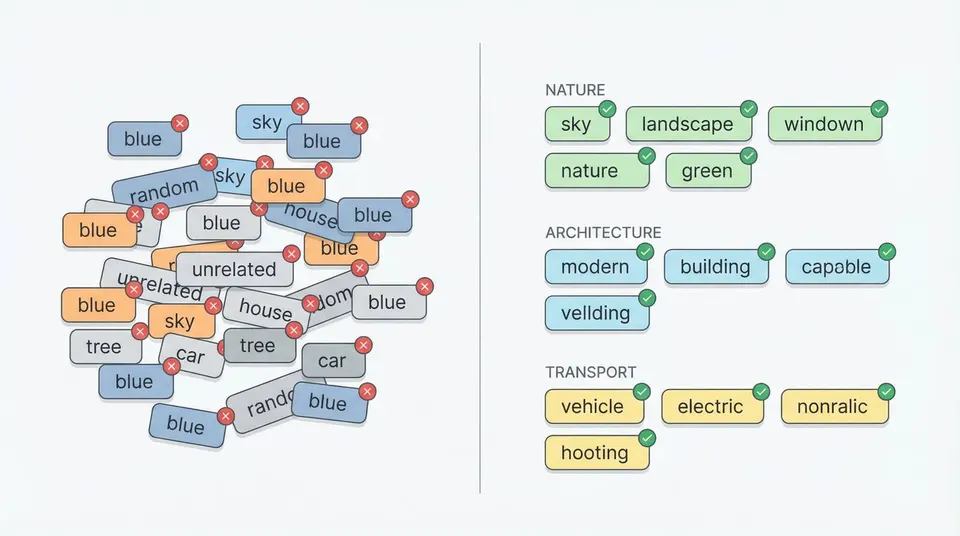
The most common failure pattern is obvious once you look for it: weak descriptors sitting in premium positions while the real subject or buyer intent is pushed lower. Another problem is repetition. If multiple early keywords share the same stem without adding meaning, they waste your most valuable slots. A third issue is concept drift, where abstract terms appear before the image has established the literal subject clearly enough.
A Better Review Sequence for Adobe Stock
Start with the visible subject and action, then add the strongest concept or buyer-use-case terms. After that, remove duplicates, weak stems, and any keyword you would not want representing the file in search. The title and first keywords should reinforce each other. If the title names the core subject, those same ideas should appear near the front of the keyword list too.
Review Before Export, Not After Upload
It is much easier to fix keyword order while the metadata is still in review than after the file is already in CSV, XMP, or the upload form. Review-before-export keeps the Adobe workflow clean and prevents the same weak order from spreading across duplicate files, batches, or future presets.
Use a Guide-First Workflow, Then the Tool
The guide should answer the rule question. The landing page and tool should handle the review-and-export task. Stocktag’s Adobe workflow is built around that separation: understand why the first 10 matter, fix them, then generate the final list and continue into broader metadata export if needed.