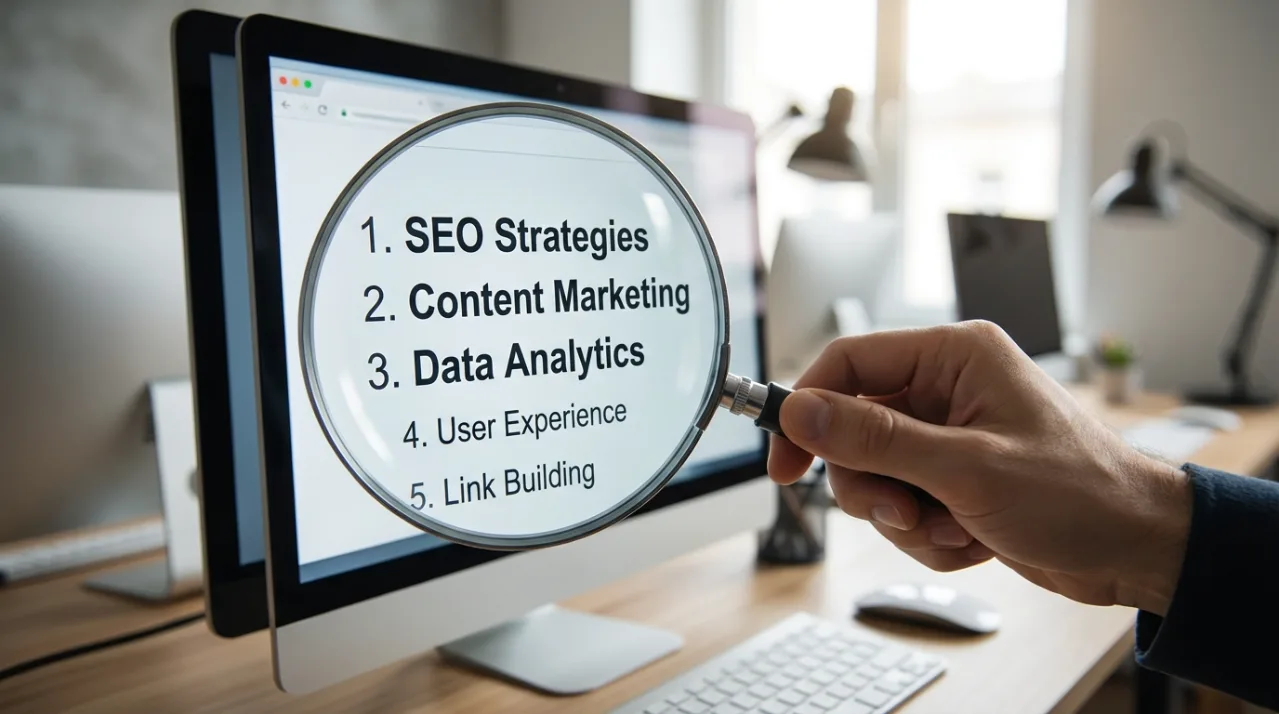
1) Start With Buyer Intent, Not Object Lists
Many creators still generate metadata by listing visible objects. Buyers rarely search that way. They search for outcomes and use cases.
Use AI to translate “what’s in the image” into:
Why it matters (concept)
Who it’s for (audience)
Where it’s used (context)
A strong metadata tool should output intent keywords like “branding,” “remote work,” “wellness,” “cybersecurity,” not just “laptop,” “desk,” “coffee.”

2) Build a Consistent Title System (Then Let AI Follow It)
Random title styles across your portfolio weaken search relevance and professionalism. Decide on a repeatable pattern and enforce it.
Effective patterns:
[Subject] + [Action] + [Setting]
[Subject] + [Key concept] + [Use context]
Example:
“Smiling freelancer working on laptop in bright home office”
Use AI to generate titles, but apply fixed rules:
Max 8–14 words
No keyword stuffing
No unverified claims (roles, diagnoses, events)

3) Use Descriptions as Relevance Reinforcement (Not Filler)
Descriptions are not optional anymore. They help search engines confirm your keywords and reduce ambiguity.
A high-performing AI description includes:
Clear subject + scene
One or two concept terms
A practical use case
Example:
“Minimal workspace with laptop and copy space, ideal for content about productivity, remote work, and modern business branding.”

4) Generate Keywords in Layers: Literal → Context → Concept → Use Case
The best AI tools don’t output a flat keyword list. They build layers.
Target structure:
Literal: objects, colors, environment
Context: industry, activity, location type
Concept: emotions, values, themes
Use case: banner, template, background, copy space
This prevents the #1 failure mode: lots of keywords, low relevance.
5) Prioritize Keyword Order Like It’s a Ranking Signal
Even on platforms where keyword order “shouldn’t matter,” it still shapes focus and consistency. Put your most commercial keywords first.
A practical order:
Core subject
Primary action/context
Core concept
Use case
Secondary details
AI can sort keywords by relevance probability, but you should sanity-check the top 10 manually.

6) Remove Risky Words Automatically (Guardrails Win)
AI sometimes invents details: job titles, emotions, demographics, locations, or medical claims. These can cause rejections or hurt trust signals.
Add a guardrail step that removes:
Brand names / trademarks
Medical, legal, financial claims
Demographic assumptions unless clearly visible
Event claims (e.g., “Black Friday”) if not explicit
The best workflow is AI generation + automated filtering + quick human review.

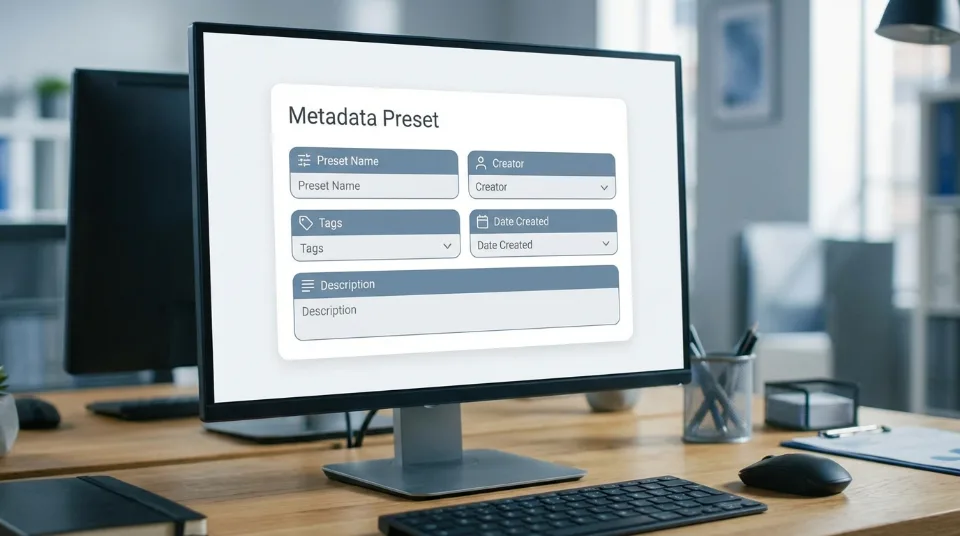
7) Create “Metadata Presets” for Your Most Common Content Types
If you shoot similar themes (business portraits, food flat lays, minimal backgrounds), reuse a metadata preset.
A preset includes:
Preferred title style
A concept keyword set
Approved synonyms
Exclusion list (words you never want)
Platform-specific formatting rules
Then AI becomes consistent across thousands of files, not just “creative.”
8) Handle Series and Variations With Controlled Diversity
When you upload 20 variations, AI might generate 20 nearly identical metadata sets—or 20 wildly different ones.
You want controlled diversity:
Same core keywords across the set
Variation keywords to match small differences (angle, emotion, background, copy space, ethnicity only if clearly visible)
Distinct titles that do not misrepresent
This protects you from duplicate-content penalties while keeping series coherence.
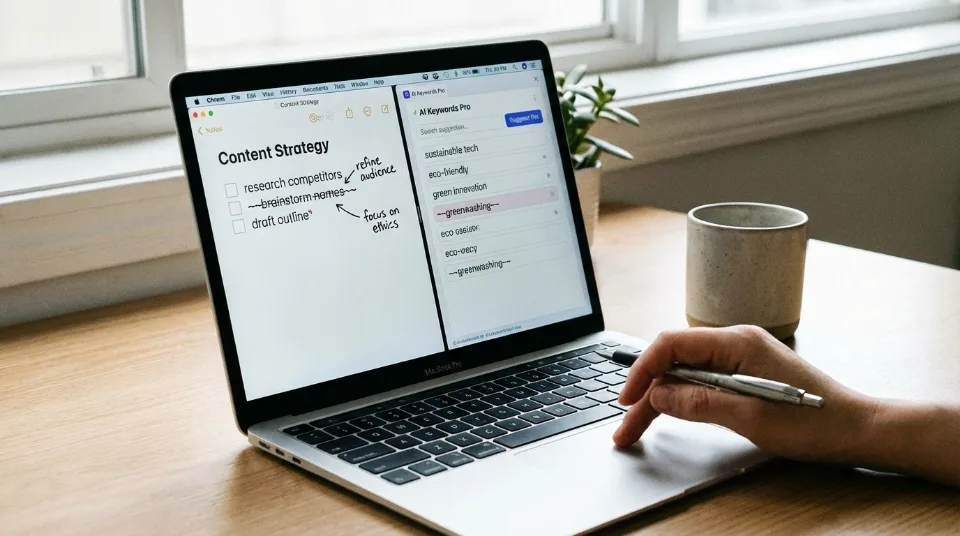
9) Use AI to Detect What You Missed (Then Delete What Doesn’t Belong)
The most valuable AI feature isn’t keyword generation—it’s gap detection:
Missing concept terms
Missing use-case terms
Missing scene context
Missing seasonal relevance (only when true)
But also use AI for the opposite: removing irrelevant keywords. A short, precise keyword list often beats a long messy list.
10) Close the Loop With Performance Data (AI + Feedback = Compounding Gains)
The biggest advantage in 2026 is learning at portfolio scale:
Which keywords actually convert to downloads
Which concepts overperform in your niche
Which titles have higher click-through
Which assets get impressions but no downloads (metadata mismatch)
Update your AI prompts/presets monthly using what sells. That’s how metadata becomes a compounding system rather than a one-time task.
Conclusion
AI metadata tools are not a shortcut—they’re leverage. Used well, they create consistent, buyer-intent metadata at scale. Used poorly, they amplify mistakes and clutter your portfolio with irrelevant tags.
The winning workflow is:
AI generation → guardrails → relevance QA → keyword ordering → performance feedback.