Understanding the Importance of Metadata in Stock Photography
Metadata is the backbone of stock content discoverability. It includes essential information such as keywords, titles, descriptions, and categories that help platforms and buyers find your images, vectors, or videos. High-quality metadata is vital because it significantly improves search rankings and increases sales potential.
Most major stock platforms rely heavily on metadata to index and present content to users. A well-crafted metadata file ensures your work is correctly categorized and easily searchable, reducing rejection rates and improving your contributor profile reputation. Therefore, understanding how to export metadata properly is as important as creating compelling visual content.
Common Metadata File Formats Used by Stock Platforms
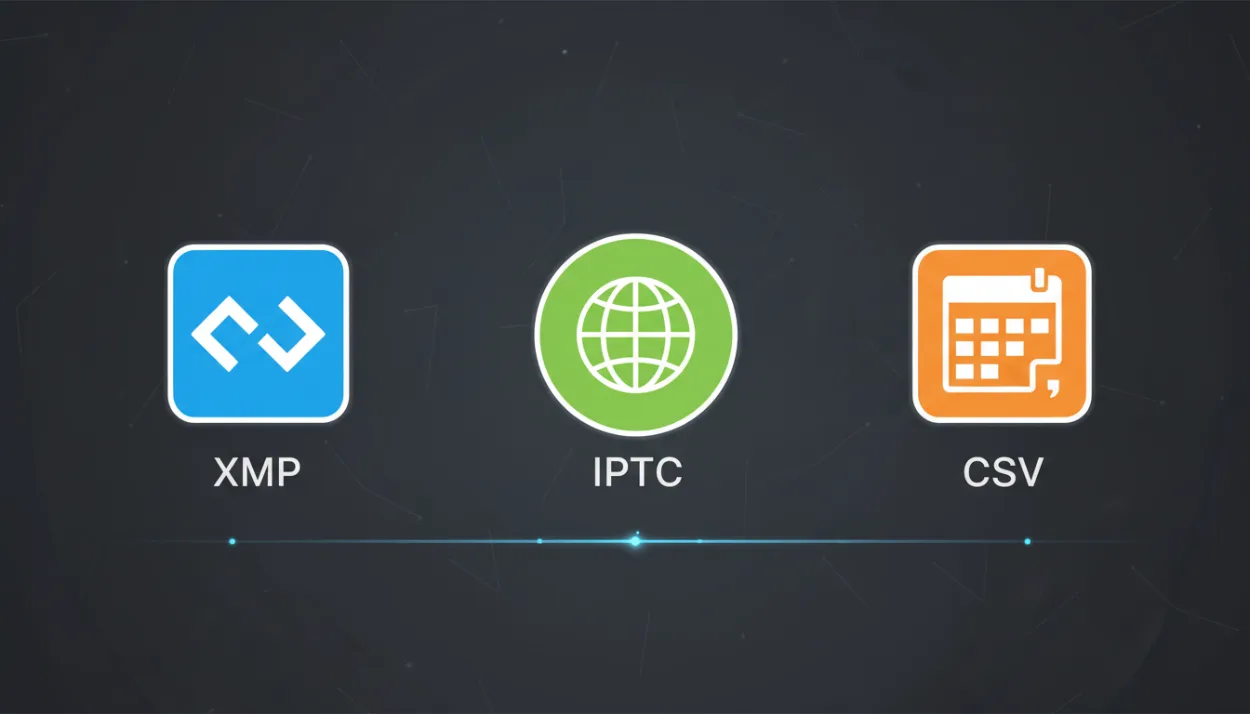
When exporting metadata, it's crucial to use formats compatible with major stock platforms. The most commonly accepted file types include XMP (Extensible Metadata Platform), IPTC (International Press Telecommunications Council) metadata embedded in image files, and separate CSV or TXT files for bulk uploads.
XMP metadata is widely supported because it integrates seamlessly with Adobe software and many stock agencies’ submission tools. IPTC metadata embedded directly into JPEG or TIFF files is another method to ensure metadata travels with the image. For large batches, CSV files with structured columns for titles, keywords, and descriptions are preferred, but they require precise formatting to avoid upload errors.

Step-by-Step Guide to Exporting Metadata Files
Start by organizing your metadata thoroughly. Use keywording tools or platforms like StockTag to generate relevant and precise keywords. Write clear, concise titles and descriptions that accurately reflect the content.
Next, choose your export method:
1. **Embedded Metadata:** Use photo editing software like Adobe Lightroom or Bridge to embed XMP/IPTC metadata directly into your image files. Export the images ensuring metadata is preserved.
2. **CSV Export:** For bulk uploads, create a CSV file with columns like filename, title, keywords, and description. Pay close attention to formatting guidelines provided by the stock platform.
3. **Metadata Export Tools:** Leverage tools or SaaS platforms specialized in metadata management to export files in compliant formats. These tools often automate keyword suggestions and formatting.
Finally, always validate your metadata file before submission to catch errors and omissions that could lead to rejections.
Best Practices to Ensure Metadata Quality and Compliance
High-quality metadata is not just about quantity but relevance and accuracy. Avoid keyword stuffing and use only relevant, specific keywords that truly describe your content. Follow the platform-specific guidelines on keyword limits and prohibited terms.
Consistency is key—maintain uniform formats for titles and descriptions across your portfolio to build brand recognition and ease platform processing. Regularly update your metadata based on market trends and buyer search behavior.
Additionally, respect privacy and legal requirements by including model or property release information where necessary and avoiding sensitive or restricted keywords. These practices help maintain compliance and avoid content removal.
Tips for Automating Metadata Export and Integration
To streamline your workflow, consider integrating metadata management tools that support automation. Platforms like StockTag offer features to batch edit, validate, and export metadata files tailored to specific stock agencies.
Automating repetitive tasks reduces the risk of human error and saves valuable time. Use templates for titles and keyword sets that you can adjust per project. Also, connect your metadata export directly to submission portals where possible, ensuring a faster and more seamless upload process.
Investing in automation tools not only enhances metadata quality but also boosts overall productivity, allowing you to focus more on content creation.