 JPG
JPGSource filealpine-hiker.jpg
Metadata Studio • Guest Access
Create titles, descriptions, and relevance-ranked keywords for Adobe Stock, Shutterstock, Getty Images, and iStock. Try the live demo, then sign in to process real files and export your finished metadata.
JPGHiker overlooking a calm alpine lake at sunrise
Marketplace ready
Studio workflowInside Metadata Studio
Follow one file from import to export. Each section shows a control you can actually use in Metadata Studio.
alpine-hiker.jpgJPG reusable-bottle.jpgJPG
 sustainable-city.epsEPS
 city-clip.mp4VIDEO
Batch uploadUpload once and manage the whole batch in one queue.
01Batch uploadPhase 1
Bring photos, transparent images, vectors, and video into the same workspace. See the status of every file without tracking them one by one.
What you gainEvery file stays in the same review session.
02Visual analysisPhase 2
Keep the selected file in view while Stocktag identifies the subject, setting, visual style, and commercial concepts. Turn on Deep Analysis when you need more context.
What you gainThe keywords come from the image, not a generic list.
03Title controlsPhase 3
The generated title appears beside the selected file, ready to edit. Change its length or capitalization before the batch moves on.
What you gainAI writes the draft; you make the final call.
04Description and instructionsPhase 4
Set the description length, add custom instructions, and apply a prefix or suffix beside the editable result.
What you gainApply the same rule consistently across the entire batch.
05Keyword intelligencePhase 5
Move the most relevant terms to the front, remove duplicates, and keep prohibited-word rules visible. Adjust the keyword count for the destination marketplace.
What you gainThe first keywords reflect buyer intent instead of filler.
06Batch editingPhase 6
Add or remove keywords, find and replace text, or standardize a field across the selection. Undo any bulk change that does not look right.
What you gainMake repeated fixes once, with full control.
07Marketplace settingsPhase 7
Switch between marketplace formats and see the export columns change for each one. Choose the category without leaving the review workflow.
What you gainNo need to rewrite the metadata for every marketplace.
08Export readyPhase 8
Finish the workflow with CSV, XMP, embedded metadata, or ZIP. Confirm the marketplace format before you export.
What you gainYour source files and approved metadata are ready together.
01Upload
Add all your files to one processing queue.
02Set Up
Choose how the metadata should be written before generation starts.
03Review
Review one file at a time or edit a full batch.
04Export
Prepare files for the marketplaces where you publish.
Ready to upload
Metadata Studio does more than write text. It also covers quality checks, rights and IP signals, marketplace formatting, embedded metadata, and recovery options.
Automatic checks and the optional visual-identity review can inform your decision, but they are not legal advice or proof of clearance.
Open Help CenterGuest demo
Drop in an image and see the result. One trial is available per site and IP address each day.
One trial is available per site and IP address each day. Continue with your selected file in Metadata Studio.
When the trial finishes, the result opens in Metadata Studio for you to review and edit.
Quick product demo · 1 min 31 sec
Watch the full process, from setup and batch upload to keyword review, category matching, and export.
Every feature
Process images, video, and EPS files in one place, review the metadata, and export it in the format your marketplace needs.
Bring different file types into one workflow.
Decide how the result should read before AI writes it.
Turn on deeper analysis when an image needs more context.
Make faster edits without leaving the session.
Catch problems before you upload.
Prepare marketplace-ready files and return to your latest work whenever you need to.
Tools for the job
Start with the stock photo keyword generator, then explore focused tools and guides for metadata, Adobe Stock, Shutterstock, and more.
Turn an image into relevance-ranked keywords that are ready to export.
Open pageFreeSee the keyword quality in a 30-second demo before you sign up.
Open pageMetadataCreate titles, descriptions, and keywords in one workflow.
Open pageTagsStart with the stock photo keyword generator, then explore focused tools and guides for metadata, Adobe Stock, Shutterstock, and more.
Open pageXMPStart with the stock photo keyword generator, then explore focused tools and guides for metadata, Adobe Stock, Shutterstock, and more.
Open pageCSVStart with the stock photo keyword generator, then explore focused tools and guides for metadata, Adobe Stock, Shutterstock, and more.
Open pageMicrostockCreate keyword sets for Adobe Stock, Shutterstock, Getty Images, and iStock.
Open pageGettyStart with the stock photo keyword generator, then explore focused tools and guides for metadata, Adobe Stock, Shutterstock, and more.
Open pageMarket intelligence
Check demand, find the right publishing window, and review similar content before you commit production time.
Filter current public holidays and selected campaigns by country, date, category, and content type. Copy keyword packs, creative briefs, and suggested upload windows.
See how quickly a topic is growing, how much interest and competition it has, and where the opportunities are. Use a ready-made metadata pack when current signals are available.
Paste an Adobe Stock or Shutterstock URL, scan the range you choose, and reorder similar content by confidence score.
See recommended publishing windows so your metadata is ready before demand rises.
Module availability depends on your current plan.
Explore Market IntelligenceStudio tools
The metadata controls you use every day, together in one workspace.
Set title and description lengths, keyword rules, and marketplace options.
Identify the visual style with optional deep analysis.
Choose the right mode for transparent images and illustrations.
Keep your session history, restore drafts, and pick up where you left off.
Export CSVs or embed metadata into files before upload.
Measure sales potential, title coverage, keyword strength, and search demand, then move the best terms to the front.
Create video metadata with analysis that accounts for sampled frames.
Describe the change in everyday language, apply it to the selected Standard or Getty/iStock draft, and undo it if needed.
Choose a marketplace format, adjust its column rules, and save a reusable CSV template. Export as CSV, XMP, embedded metadata, or ZIP.
Choose commercial or editorial mode. Stocktag checks the metadata, can run an optional two-step visual-identity review, and checks again before export. These signals are not legal advice.
Marketplace-ready files
Choose from 15 ready-made CSV formats, adjust rules for each site, or save your own reusable CSV template.
A real output example
Examples written around real buyer searches and marketplace demand.
This is a selectable preview. Exporting takes place in Metadata Studio.
 Photo
Photo Vector
For stock contributors
Everything you need to move from upload to publish without leaving the studio.
Combines visual analysis and language models to create metadata suited to stock content.
Process large groups of files in one queue and track every result.
Create clear titles, descriptions, and strong keyword sets quickly.
Download CSV files or embed metadata without leaving the workflow.
Keyboard shortcuts that help you work quickly without losing focus.
Review before export and undo edits whenever you need to.
Workflow comparison
See what a dedicated stock metadata workflow adds beyond a general chat tool.
From manual work to a controlled workflow
Control before export
Check every detail before export. Rights and visual-identity signals can inform your decision, but they are not legal advice or proof of clearance.
Your selected image is sent to the guest metadata service. The Privacy Notice explains how it is processed and retained.
Choose which marketplace formats to include in each session.
Give titles, descriptions, and keywords a final edit before download.
Return to your work with built-in history and draft recovery.
Customer feedback
Feedback from Stocktag customers. Names stay private until we have permission to publish them.
“Keeping batch uploads, review, and export in one workspace has made my workflow much faster.”
“Marketplace presets mean I spend far less time reformatting metadata for each platform.”
“The guest trial let me see whether the workflow suited me before creating an account.”
Choose the right plan
Use the live demo and free credits to check the output, then choose a monthly credit plan or add one-time credits when your workload grows.
New accounts can evaluate the workflow before purchasing.
Choose the monthly capacity that matches your production volume.
Add credits without changing your active plan.
Frequently asked questions
Straight answers to common questions before you start.
Stocktag is an AI-assisted metadata and keywording tool for stock photos, vectors, illustrations, and video. It creates titles, descriptions, and keywords in one workflow and helps you keep language consistent across your library.
Holiday Planner covers public holidays and selected campaigns. Trends Radar shows how topics are moving and where opportunities may be. Similarity Scanner uses Adobe Stock and Shutterstock URLs to find and rank similar content.
Prompter builds detailed prompts for stock content. Image Studio creates or edits images with supported OpenAI and Gemini models. Vectorizer converts batches of raster files to SVG in your browser with VTracer. To use an Image Studio result in Metadata Studio, download it first and then upload it there.
Stocktag includes 15 ready-made CSV formats for Creative Fabrica, Design Bundles, Adobe Stock, Shutterstock, Canva, Vecteezy, Alamy, Depositphotos, Dreamstime, Freepik, Getty Images, iStock, Pond5, Motion Elements, and 123RF. You can also export a custom CSV, XMP, embedded metadata, or ZIP.
No. It provides metadata and visual-identity signals for you to review and supports commercial or editorial workflows. It is not legal advice and does not guarantee clearance.
Yes. Review titles, descriptions, and keywords in the list or detail panel, apply bulk edits, and regenerate anything you want to change before downloading.
Yes. The Studio includes translation previews and localized keywords to help you reach buyers searching in other languages.
Choose a supported image and a target marketplace to create a sample result. The image is processed by Stocktag's guest metadata service. Sign in to use account-based workflows and saved sessions.
Yes. Your browser sends the selected image to Stocktag's guest metadata service to create the result. The Privacy Notice explains how the file is processed and retained.
Guest limits protect the service from abuse and keep the demo fast. Sign in to use the full processing, export, and history features included with your plan.
Yes. Stocktag is built for batch uploads, progress tracking, and session history, so you can work through large libraries quickly and keep the metadata consistent.
 Metadata
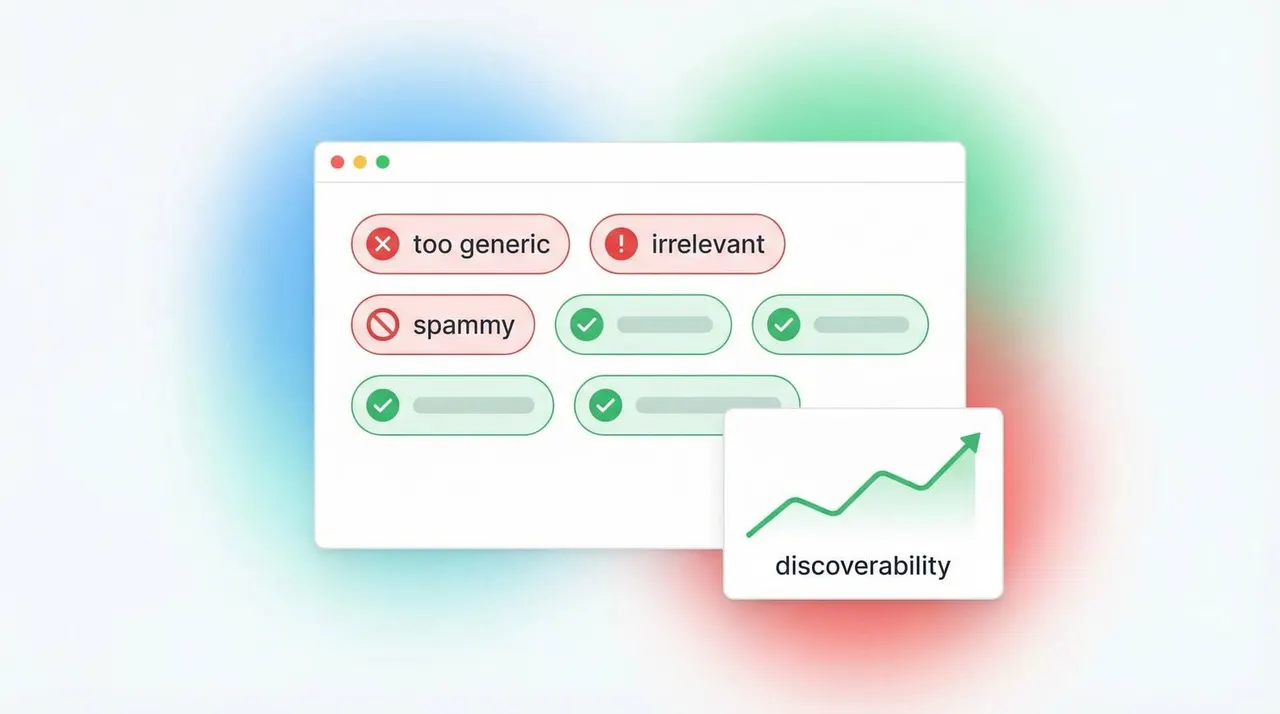
Use a free stock photo keyword generator without producing spammy tags, then turn rough output into buyer-intent metadata.
 Guide
GuideLearn how to stay inside Shutterstock keyword limits while keeping titles and tags commercially useful.
 Guide
GuideSee how Adobe Stock keyword order affects ranking and how to fix the top 10 before you export.
Keep exploring
Go straight to the products, tools, and guides you need.
Compare features and workflows side by side, then choose the Stocktag tool that fits the way you work.